


Description
Description
Lofree Hyzen67 magnetic keyboard — CNC aluminum 65% Magnetic Switch keyboard

Lofree × Kailh · Nexus

Hyzen67 — the world's first mechanical magnetic keyboard.

A CNC aluminum 65% running true Magnetic Switch analog travel with 0.01 mm Rapid Trigger — then flipping to real mechanical actuation on a keystroke. All the control you expect from a Hall Effect switch board, in a case built like a custom.

Nexus Magnetic Switch 8000 Hz Polling CNC Aluminum · Gasket 10,000 mAh Dual-Mode: Magnetic + Mechanical
Design

Minimalist design, maximum impact.

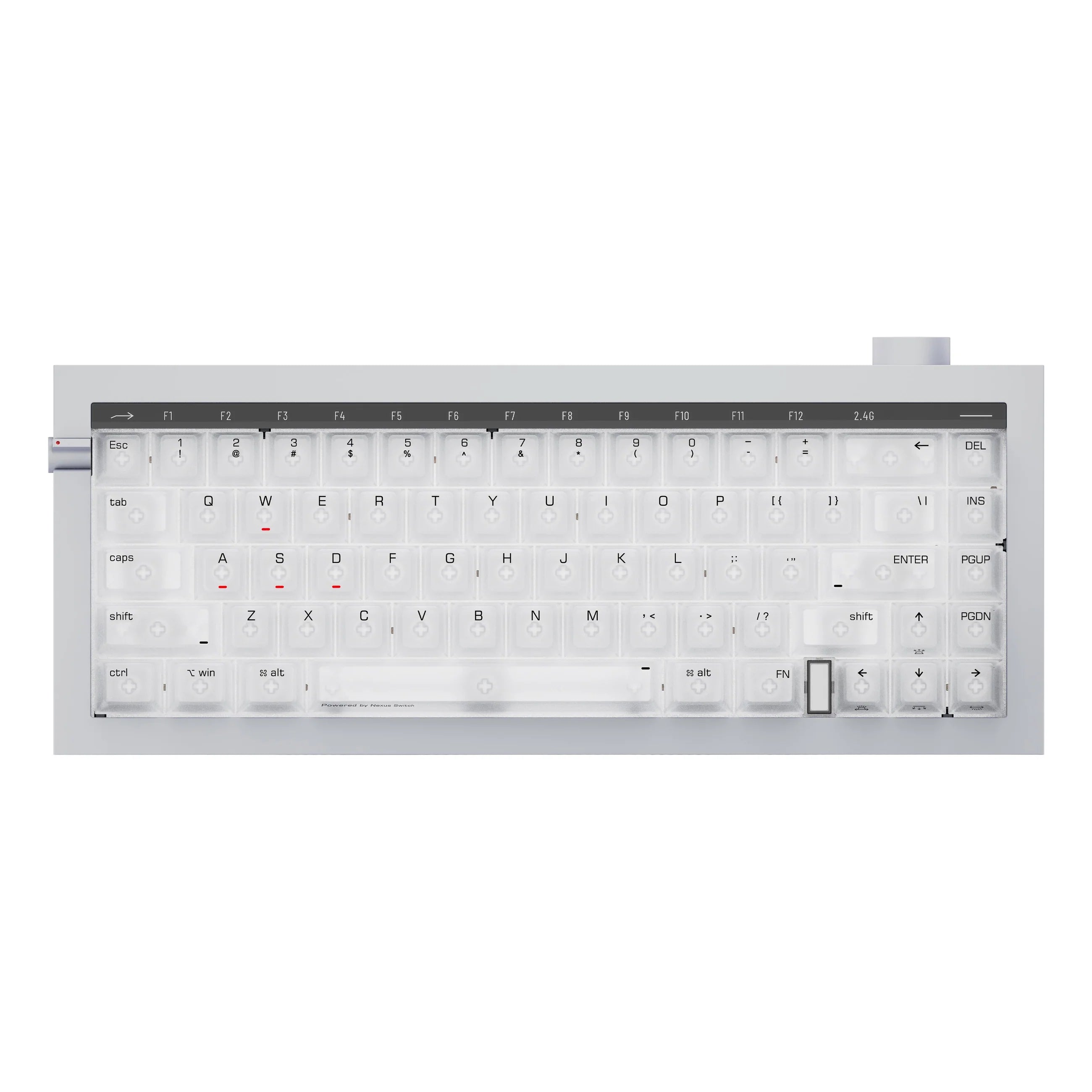
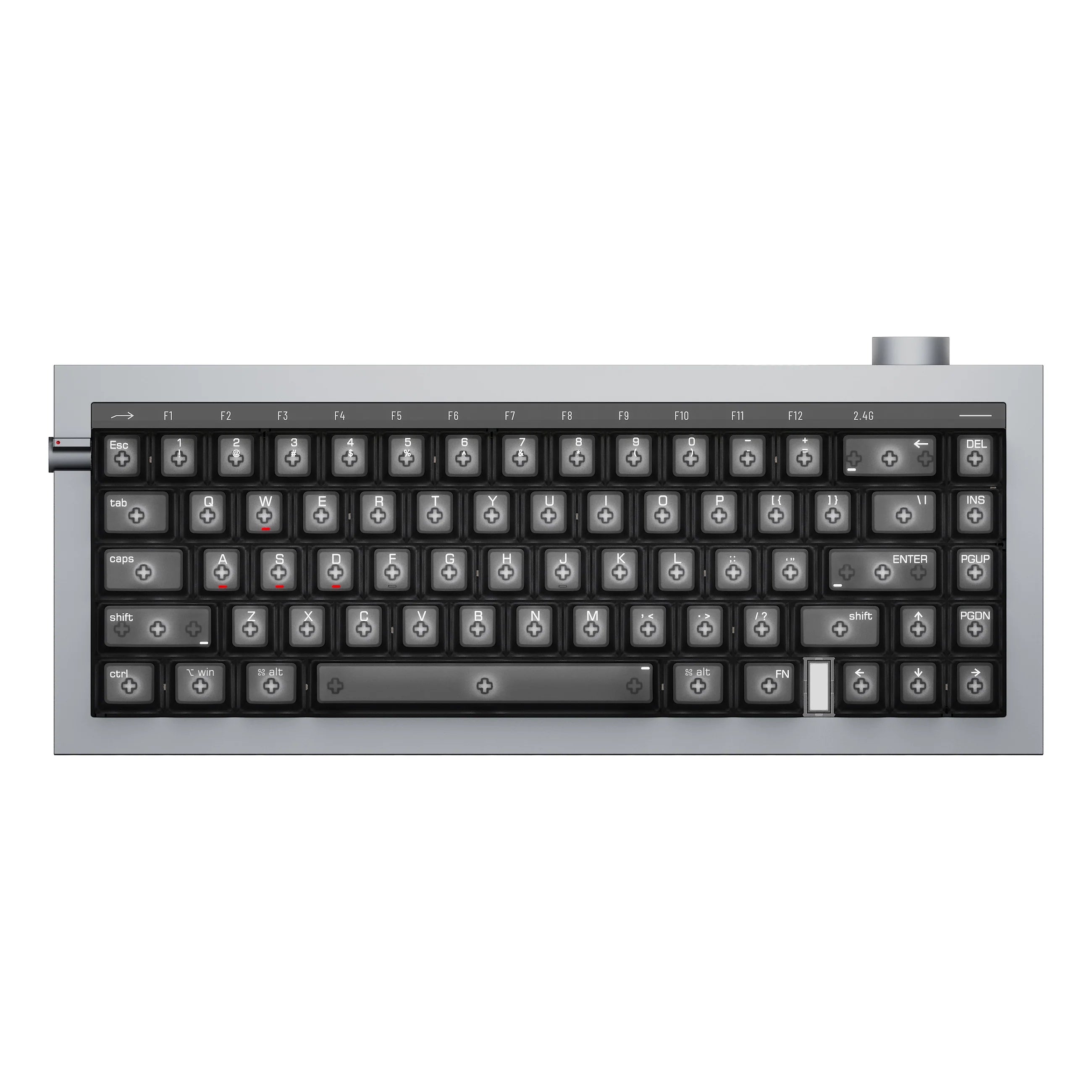
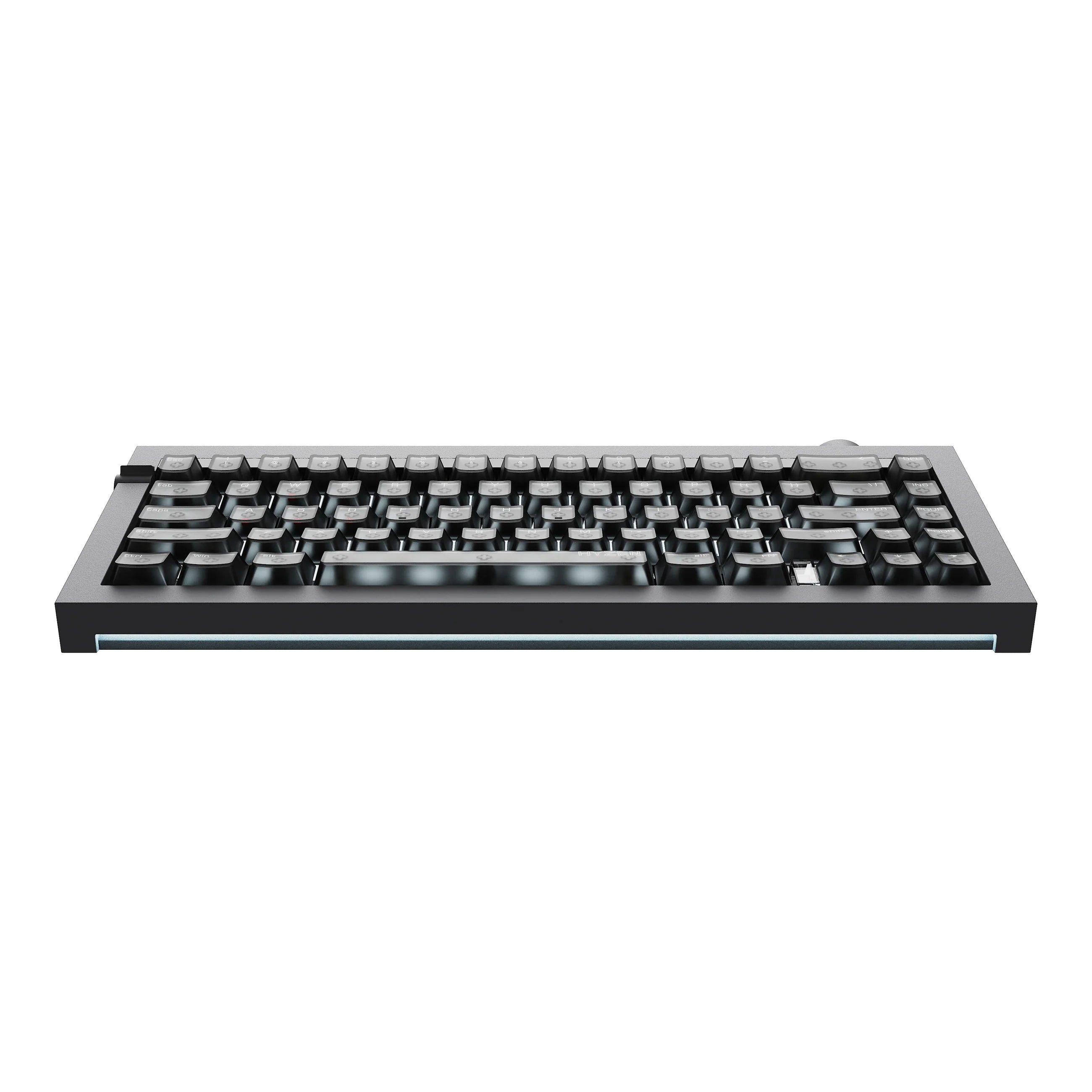
Hyzen67 doesn't look like a gaming board. There's no aggressive angle, no fake vent, no logo shouting across the top case. Just straight lines, tight tolerances and a slab of metal that feels heavier than it has any right to.

The whole thing is carved from a single block of premium aluminum — CNC-milled rather than assembled from stamped halves, which is what gives the edges their sharpness and the deck its dead-solid feel under load.

Lofree Hyzen67 CNC aluminum magnetic keyboard, minimalist top-down design view
Hyzen67 unibody aluminum frame milled from a single block
Unibody

One block of aluminum. No seams to rattle.

A unibody shell removes the joins that normally hum and resonate on a metal board. Combined with the gasket mount and five-layer damping inside, the case has nowhere to ring — which is why Hyzen67 sounds full rather than hollow.

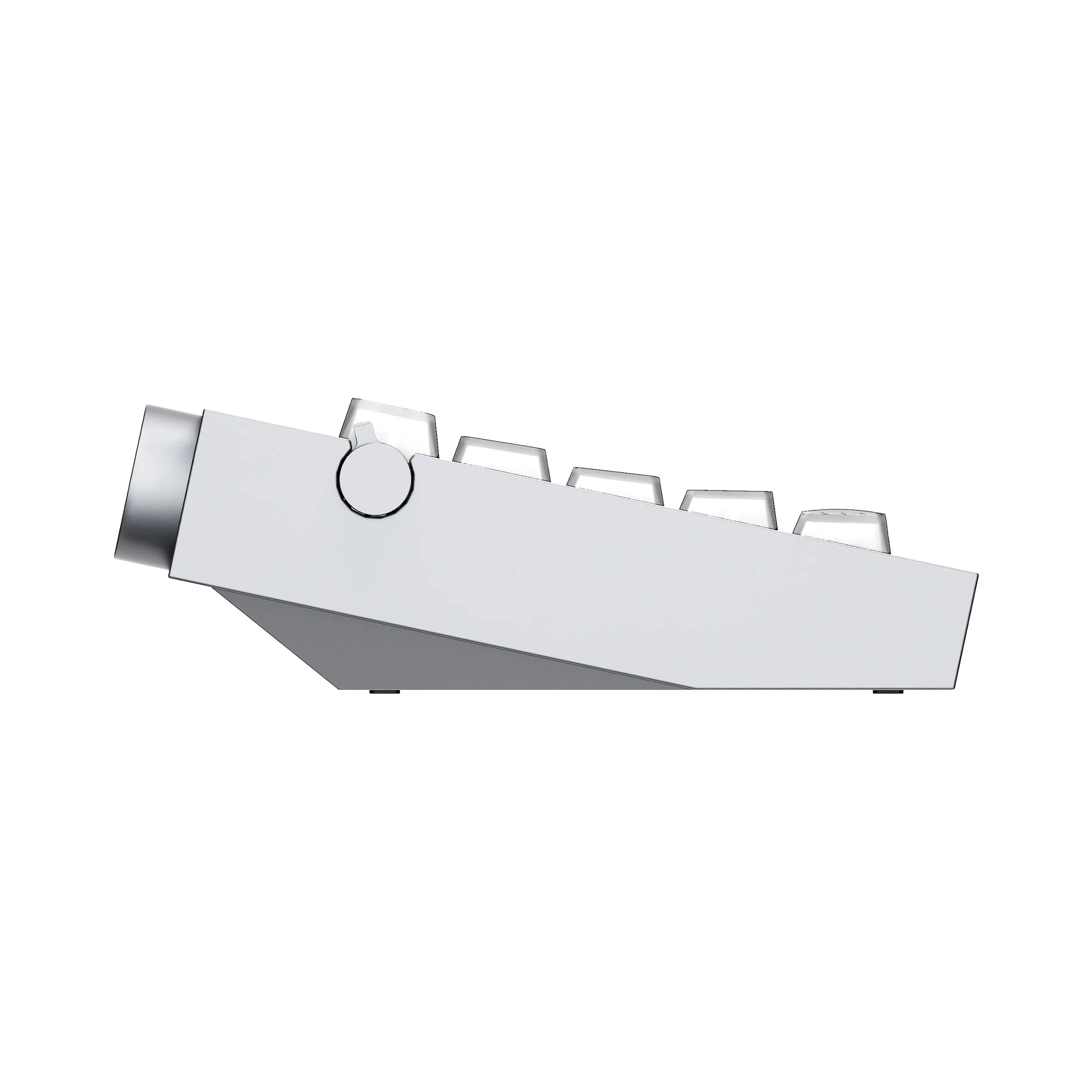
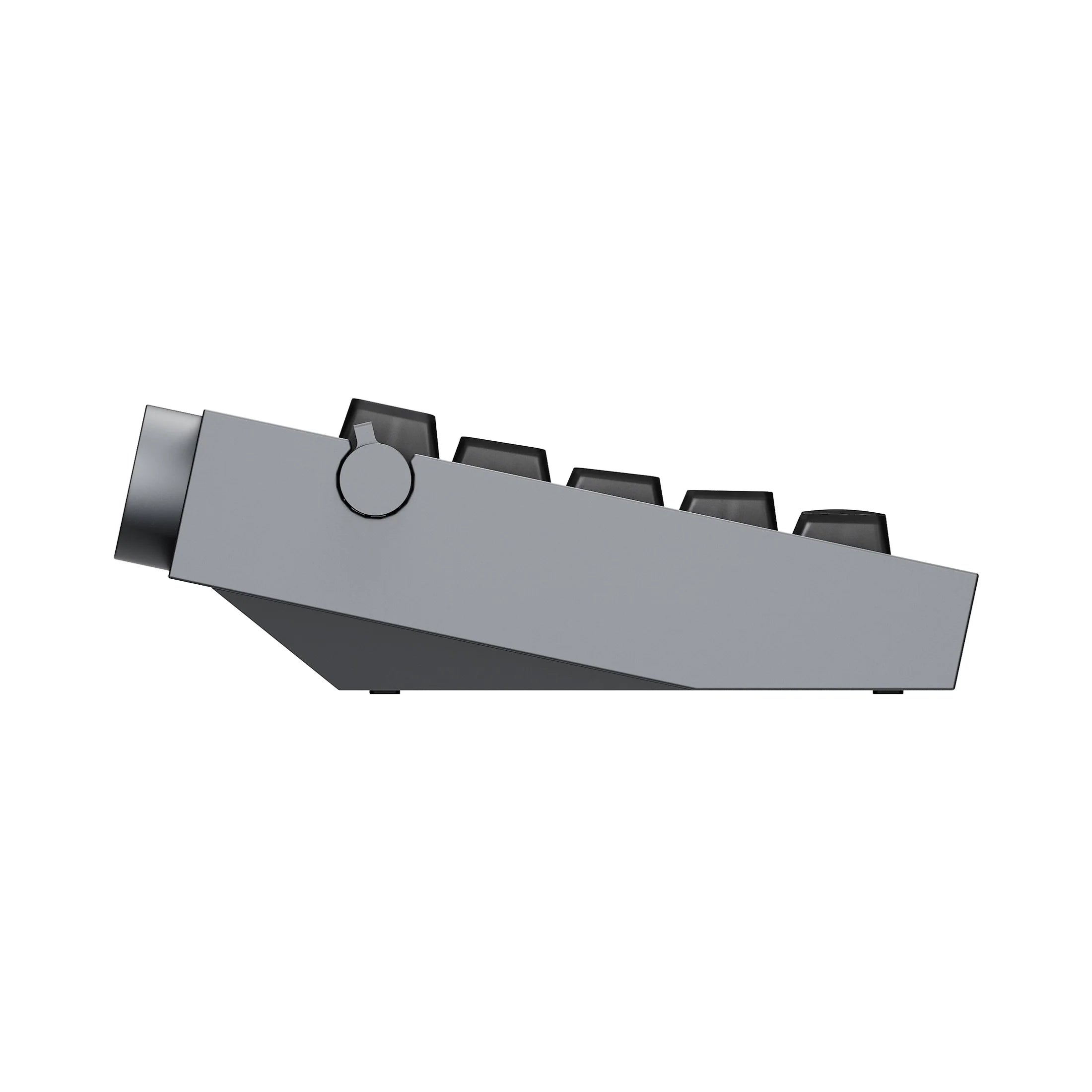
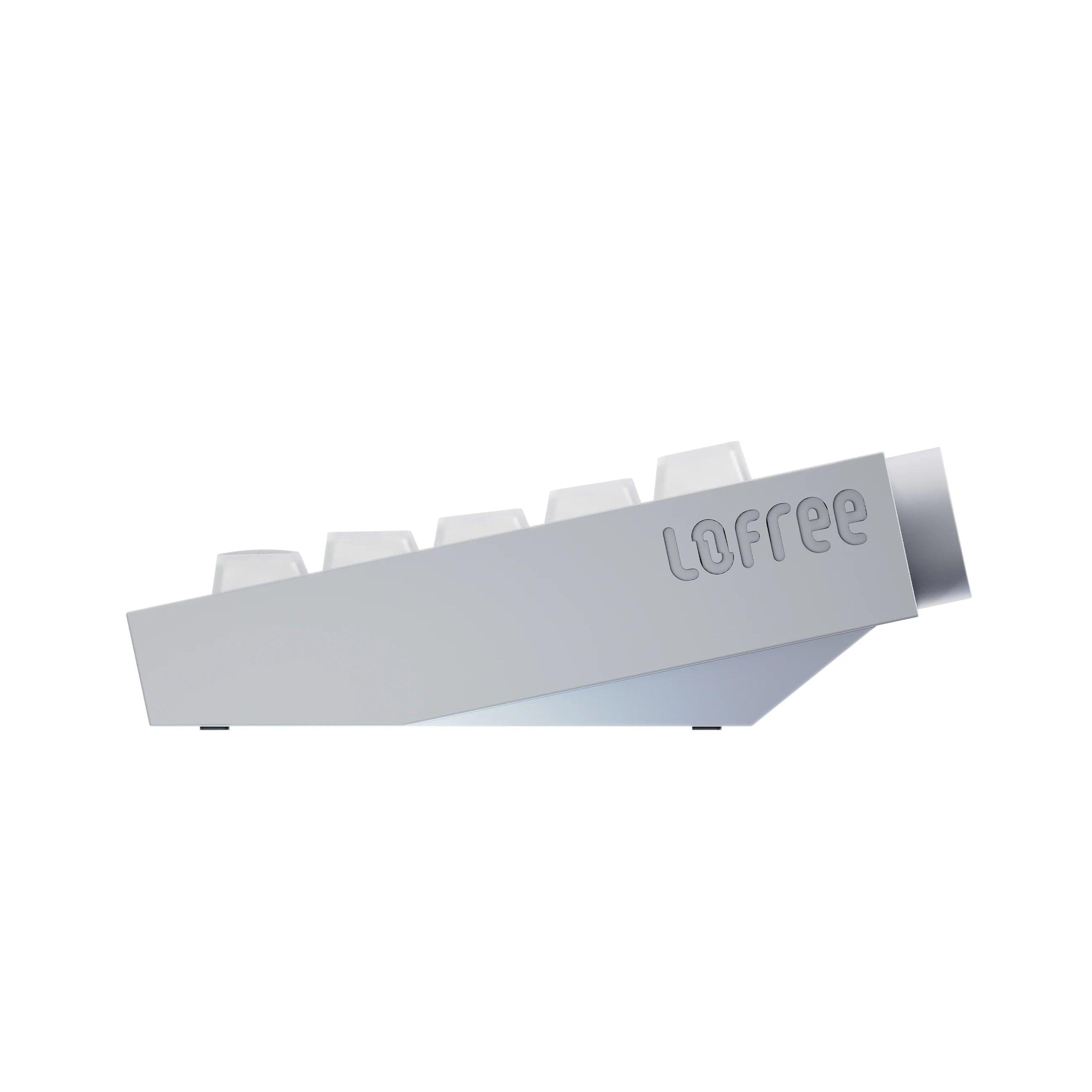
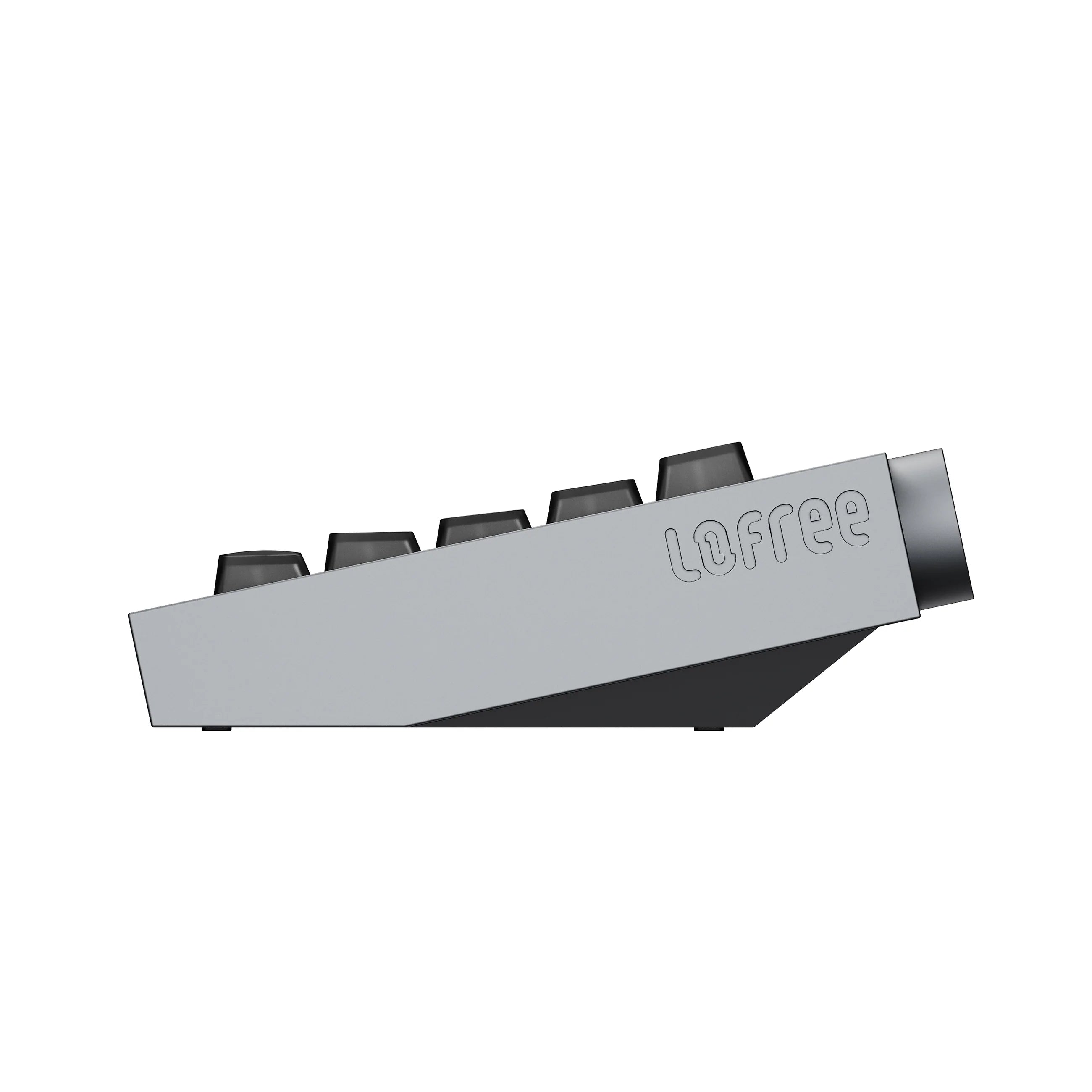
12° Typing Angle

Architectural precision, built into the case.

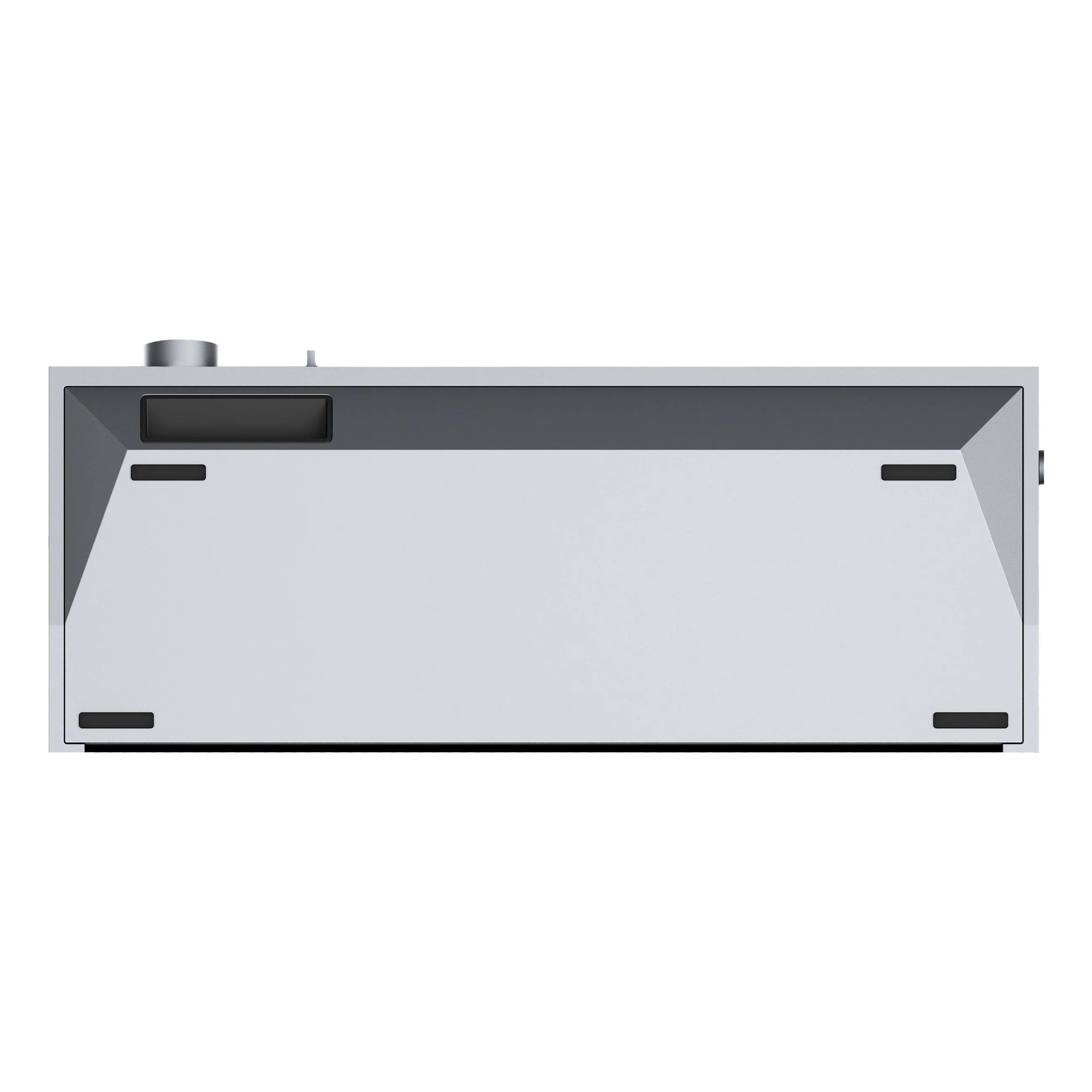
The 12° tilt is machined into the body — no flip-out feet, nothing to collapse mid-session. The wedge profile reads as pure geometry from the side, and it puts your wrists where they should be for long sessions without a riser.

Hyzen67 side profile showing the integrated 12 degree typing angle
Hyzen67 dual knob control — volume knob and mode knob on the top case
Dual-Knob Control

Two knobs. Everything under your fingers.

One knob handles Hi-Fi volume with a weighted, notched turn. The second handles mode and function switching, so you're not hunting for a Fn layer to change connection or flip the F-row. Physical controls, physical feedback — the way a metal board should work.

LED Light Bar

A full-width light bar in the base.

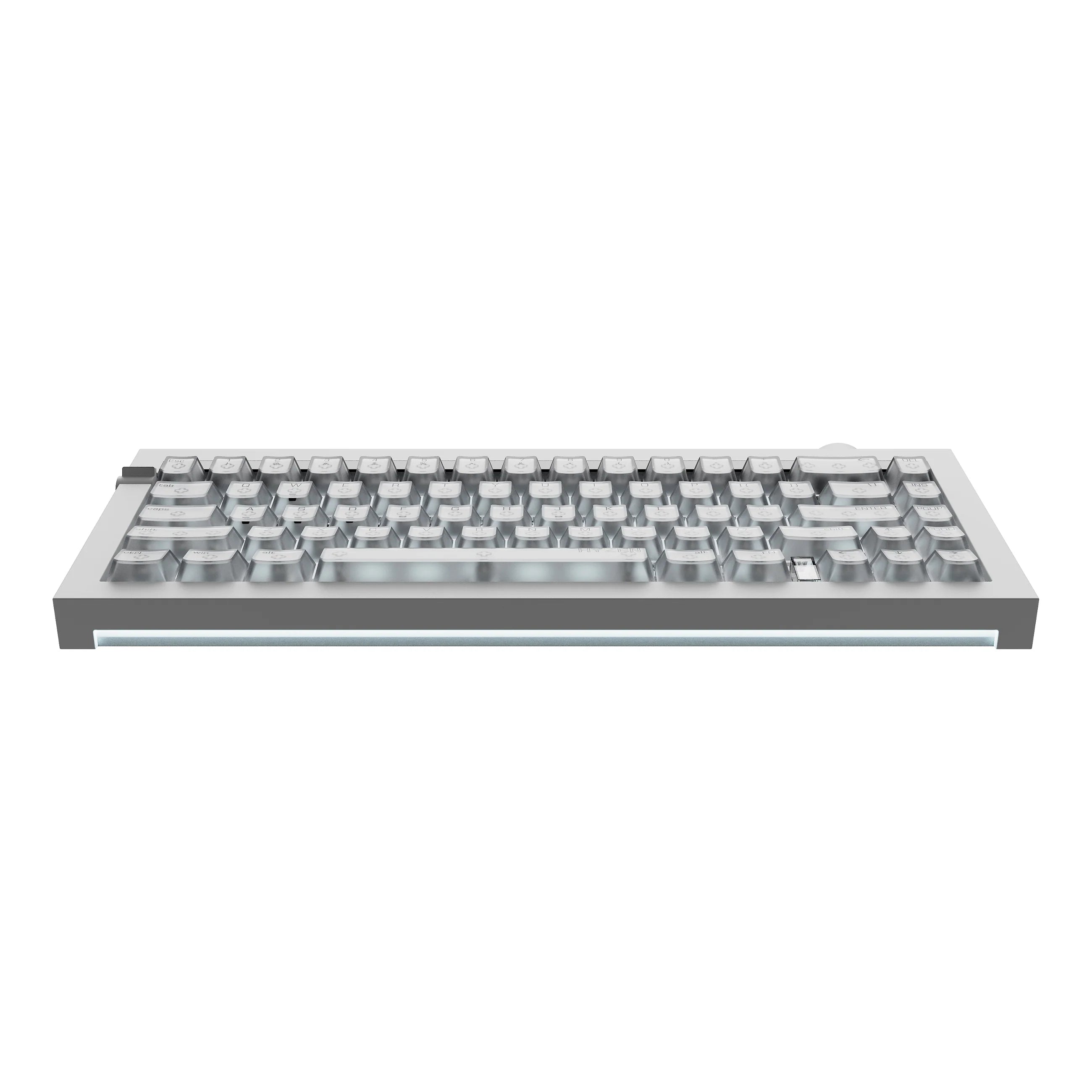
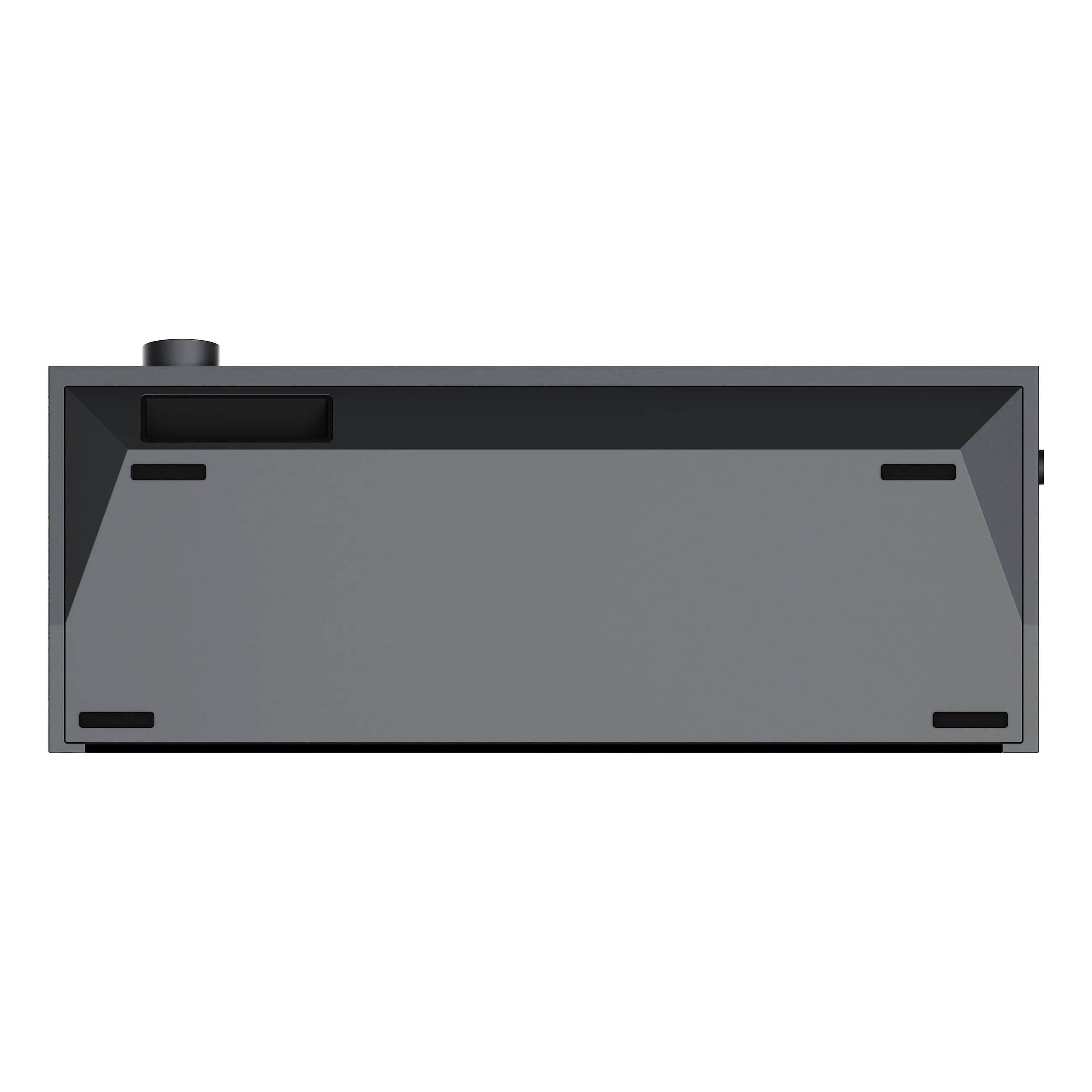
Beyond per-key ARGB, a light bar runs the entire width of the underside and washes the desk beneath the board. It reads as ambient glow rather than RGB spillage — and it doubles as a status indicator for connection mode and battery.

Hyzen67 full-width base LED light bar glowing under the aluminum case
Two colorways

Dual tones, one masterpiece.

Both finishes ship with a matching palm rest in the same anodised tone, so the desk setup reads as one object instead of two.


Silver

Cool, bright anodising with the raw machined edges left visible. Pairs with light desks and translucent keycaps for a clean, technical look.


Space Gray

Deep graphite with a low sheen. Lets the ARGB and the base light bar carry the colour while the case stays quiet.

Lofree Hyzen67 magnetic keyboard in Silver and Space Gray colorways
Switch

Magnetic Switch speed meets mechanical soul.

The Lofree × Kailh Nexus is a hybrid: a magnetic switch stack with metal contacts built in. That means it can behave as an analog Magnetic Switch — continuous, adjustable, 0.01 mm resolution — or as a conventional mechanical switch with a fixed actuation point and a real contact click.

Where a typical Hall Effect switch keyboard reads the magnet with a Hall sensor, Nexus uses TMR (Tunneling Magnetoresistance) sensing — a more sensitive class of magnetic sensing, which is what makes the 0.01 mm step size usable rather than theoretical.

Nexus Magnetic Switch internal structure — TMR magnetic sensing with mechanical metal contacts
Lofree Kailh Nexus hybrid magnetic switch close-up for the Hyzen67 magnetic keyboard
Fn + Enter

Two keyboards, one board.

Magnetic Mode for play — Rapid Trigger, adjustable actuation, DKS, SOCD. Mechanical Mode for work — a fixed, definite actuation point and the tactile confirmation you actually want when you're writing rather than fragging.

Switching is a single shortcut. And because the PCB is hot-swap, it accepts both magnetic and standard mechanical switches, so the board changes character as often as you like.

Performance

Nordic nRF54. 8000 Hz. 0.125 ms.

Hyzen67 runs a Nordic nRF54-series chipset — enough headroom for an 8000 Hz polling rate and roughly 0.125 ms of input latency. Every keypress is sampled eight times in the span a 1000 Hz board samples once.

Full NKRO across all connection modes, so nothing drops out mid-combo.

Nordic nRF54 series chipset powering the Hyzen67 magnetic keyboard
Lofree Hub software configuring Rapid Trigger and Magnetic Switch actuation on the Hyzen67
Lofree Hub

One command centre for the whole board.

Set per-key actuation depth, tune Rapid Trigger sensitivity, and build DKS (Dynamic Keystroke) and SOCD behaviours. Remap the layout, drive the ARGB, manage the F-row toggle — all of it in Lofree Hub.

8K Wireless

8000 Hz without the cable.

The 2.4 GHz link carries the full 8000 Hz polling rate with the 8K dongle — the same reporting speed as wired, with nothing tethering the board to the tower. Bluetooth 6.0 and USB-C round out the tri-mode setup.

Hyzen67 8K wireless dongle for 8000 Hz 2.4 GHz magnetic keyboard connection
At a glance

The precision tool.

Tri-mode connectivity icon

Tri-Mode Connectivity

USB-C wired, Bluetooth 6.0, and 2.4 GHz wireless — switch between them from the mode knob.

Gasket mount icon

Gasket Mount

Five-layer damping over an FR4 plate. Kills resonance, adds a soft bounce to the bottom-out.

10000 mAh battery icon

10,000 mAh Battery

Up to 80 hours of typical use per charge — an unusually large cell for a 65% board.

Hyzen67 magnetic keyboard on a daytime coding desk setup
One board, two jobs

Work by day. Dominate by night.

Most people don't want two keyboards on one desk. Mechanical Mode and the visual F-zone toggle make Hyzen67 a legitimate work board during the day; Magnetic Mode, Rapid Trigger and 8K polling make it a competitive one after hours.

Specifications

Spec sheet.

Model Lofree Hyzen67
Layout 65% compact — 67 keys
Switch Lofree × Kailh Nexus Mechanical Magnetic Switch
Switch Class Analog magnetic keyboard switch — TMR sensing (Hall Effect switch class), with mechanical metal contacts
Switch Modes Magnetic Mode / Mechanical Mode — toggle via Fn + Enter
Actuation Force 40 gf
Rapid Trigger 0.01 mm adjustable precision
Hot-Swap Yes — supports magnetic and standard mechanical switches
Case CNC-milled unibody aluminum alloy
Mount Gasket mount, five-layer damping
Plate FR4
Keycaps Frosted translucent PC
Typing Angle 12° (integrated into the case)
Chipset Nordic nRF54 series
Polling Rate Up to 8000 Hz (wired & 2.4 GHz)
Latency Approx. 0.125 ms
Rollover Full NKRO
Connectivity Tri-Mode — USB-C wired / Bluetooth 6.0 / 2.4 GHz wireless
Wireless Range Up to 10 m (33 ft)
Lighting Per-key ARGB + full-width base LED light bar
Controls Hi-Fi volume knob + mode/function knob, visual F-zone toggle
Battery 10,000 mAh (3.7 V) — Tri-Mode edition
Battery Life Up to 80 hrs typical; approx. 12 hrs under maximum load
Dimensions 330.9 × 142.3 × 48.4 mm
Weight Approx. 1,950 g (Tri-Mode) / 1,860 g (Wired)
Software Lofree Hub — Rapid Trigger, DKS, SOCD, remapping, lighting
Colorways Silver, Space Gray
FAQ

Common questions.

What makes this different from a normal Hall Effect keyboard?
Two things. First, the sensing: most magnetic boards use a Hall Effect switch, while the Nexus uses TMR (Tunneling Magnetoresistance) — a more sensitive method that supports 0.01 mm actuation steps. Second, the Nexus has real mechanical contacts inside, so it can drop out of analog behaviour entirely and act as a conventional mechanical switch. Most magnetic keyboards can't do that.
How do I switch between Magnetic Mode and Mechanical Mode?
Fn + Enter toggles between them. Magnetic Mode gives you analog travel, Rapid Trigger, DKS and SOCD. Mechanical Mode gives you a fixed actuation point with tactile contact feedback.
Is the PCB really hot-swappable with regular switches?
Yes. The board accepts both magnetic switches and most standard mechanical switches, so you can run a magnetic layout, a mechanical layout, or mix the two across different key zones.
Does the 8000 Hz polling rate work wirelessly?
Over the 2.4 GHz link with the 8K dongle, yes — the same 8000 Hz reporting rate as wired. Bluetooth 6.0 runs at a standard polling rate and is intended for everyday work and multi-device use.
How long does the battery actually last?
The cell is 10,000 mAh, which is very large for a 65%. Lofree states up to 80 hours of typical use. Under maximum load — full per-key ARGB plus 8K wireless — expect roughly 12 hours. Turning the lighting down is the single biggest factor.
Do I need the software?
No — the board works driver-free out of the box, and the knobs handle volume and mode switching directly. Lofree Hub is there when you want per-key actuation depth, Rapid Trigger tuning, DKS/SOCD and remapping.
Is it heavy?
Yes, deliberately. At roughly 1.95 kg for the Tri-Mode edition, the unibody aluminum case does not move on the desk. This is a keyboard that stays where you put it.
14 Days Return Policy

Cancellation

You may cancel an order before we fulfilled it. Please allow 3-5 business days for the refund to process to your original method of payment.


Returns

Please note that we currently do not accept returns from the EU or OCE. We apologize for this inconvenience.

To return your product, please email us at contact@torontokeyboardman.ca

Our return policy lasts 14 days. If 14 days have passed since you received, we cannot offer a refund or exchange. To be eligible for a return, your item must be unused and in the same condition that you received it. It must also be in the original packaging. 

To complete your return, we require a receipt or proof of purchase. Please do not send your purchase back to the manufacturer.


Partial Refunds

There are certain situations where only partial refunds may be granted, including but not limited to:

  • Items showing obvious signs of use
  • Any item not in its original condition, is damaged, or missing parts for reasons not due to our error
  • Any item returned more than 30 days after delivery

In these cases, we reserve the right to issue a partial refund, depending on the condition of the returned item.


Shipping

You will be responsible for any and all shipping costs of returning an item. Shipping costs are non-refundable.

Depending on your shipping location, the time it takes for an exchanged product to be delivered may vary.

If you are shipping an item over $75, please consider using a trackable shipping service or purchasing shipping insurance, as we can't guarantee that we will receive your returned item.


Refunds (if applicable)

Once your return is received and inspected, we will send you an email to notify you that we have received your returned item. We will also notify you of the approval or rejection of your refund.

If approved, your refund will be processed and the credit will be automatically applied to the original method of payment within 10 business days, depending on your bank.


Late or missing refunds (if applicable)

If you have not received a refund yet, please check your bank account. Contact your credit card company, as it may take time before your refund is officially processed and posted.

If you still have not received your refund, please contact us at contact@torontokeyboardman.ca.


Discounted items (if applicable)

Only regular priced items may be refunded. Discounted items cannot be refunded.


Exchanges (if applicable)

We only replace items if they are defective or damaged. If you receive a damaged or defective product you have 72 hours upon arrival of the product to contact us regarding the defective unit at contact@torontokeyboardman.ca.

Shipping with Protection

At Toronto KeyboardMan, we strive to process and ship your order as quickly as possible. Below are the details of our shipping policy:

Processing Time
  • Orders are typically processed and shipped within 1-2 business days (excluding weekends and holidays).
  • You will receive a confirmation email with tracking information once your order has been shipped.
Shipping Protection & Insurance
  • All shipments include protection (insurance) to safeguard against loss or damage during transit.
  • If your package is lost or damaged, please contact us immediately so we can assist you in filing a claim.
Shipping Rates & Delivery Time

We offer the following shipping options:

Within Canada
  • Standard Shipping: 3-7 business days
  • Express Shipping (GTA Only): Same or Next Business Day
  • Expedited Shipping (Ontario): 1-2 business days
United States
  • Standard Shipping: 3-7 business days
  • Expedited Shipping: 2-4 business days
International Shipping
  • Delivery times vary based on destination and shipping method selected.
Order Tracking
  • A tracking number will be provided via email once your order has shipped.
  • You can track your order through the courier’s website for real-time updates.
Customs, Duties & Taxes (International Orders)
  • Customers outside of Canada are responsible for any customs duties, taxes, or import fees charged by their country.
  • We are not responsible for delays due to customs clearance.
Shipping Address & Delivery Issues
  • Please ensure your shipping address is accurate and complete before placing your order.
  • If an incorrect address is provided, additional fees may apply for reshipping.
  • If your package is marked as delivered but not received, please check with your local carrier or neighbors before contacting us.