


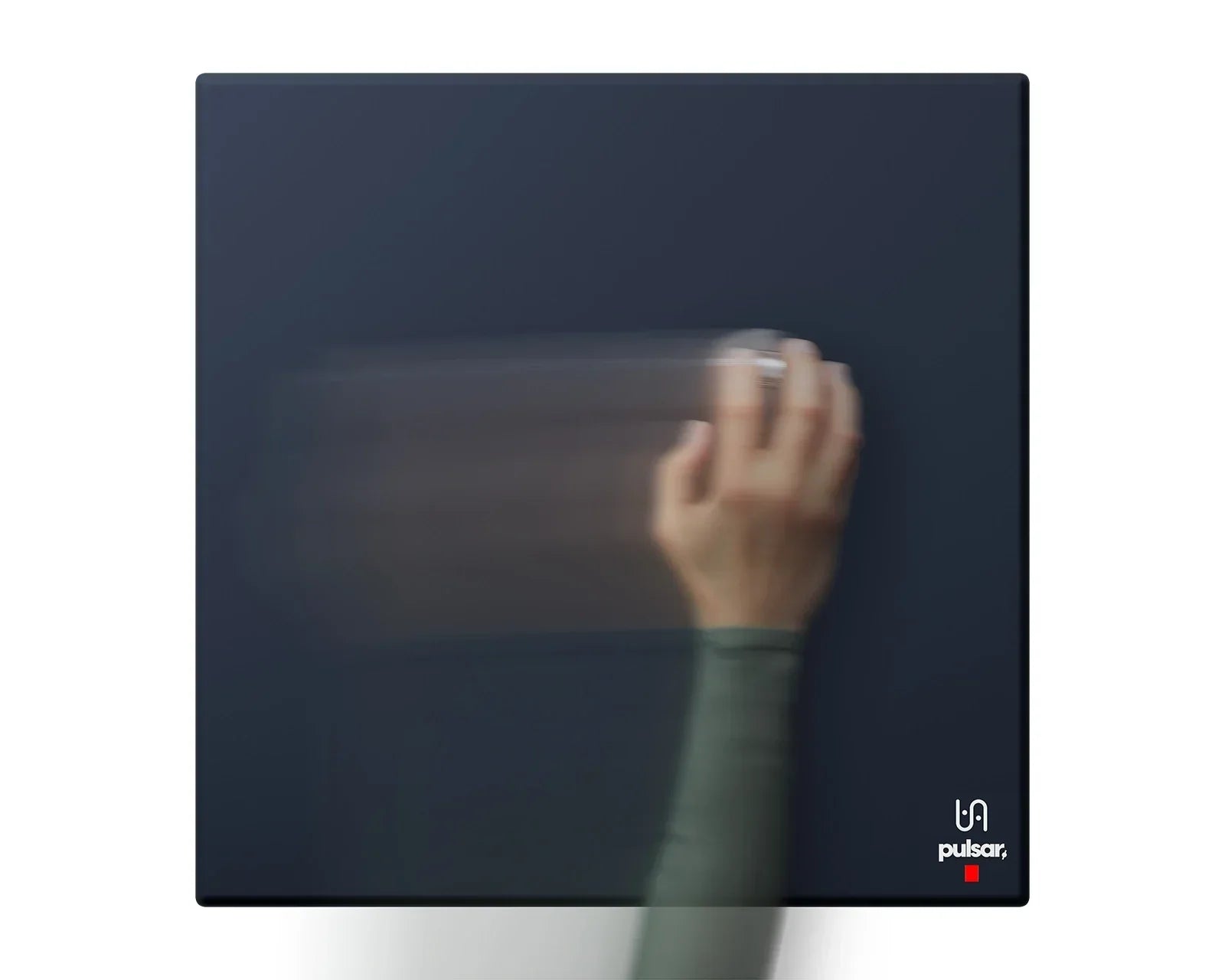
Control vs Speed Mousepad: Which Should You Use for Your Sensitivity?
Quick answer: Low-sens players should use a Slow (control) pad. High-sens players should use a Fast (speed) pad. The reason is simple once you know who's doing the aiming: low-sens aim comes from your arm, which is fast but bad at stopping, so you want friction to help you stop. High-sens aim comes from your wrist and fingers, which are precise but can't move the mouse far, so you want a slick surface that moves for you. That said, the pad that feels right to you is always the one that matters most.
This guide covers the two ends of the spectrum: low-sens players who aim with the arm (wrist only fine-tunes), and high-sens players who aim with the wrist (arm only for big swings). Mid-sens players sit in between and are covered at the end.

First, work out if you're high-sens or low-sens
"High sens" and "low sens" mean nothing until you put a number on it. Your in-game slider alone tells you nothing, because it depends on your mouse DPI. The number that ties both together is eDPI:
eDPI = Mouse DPI × In-game Sensitivity
For this to actually match your aim, your Windows pointer speed has to be on the default middle notch (6/11) and mouse acceleration has to be off. Change either and the eDPI number stops matching reality, and nothing below will line up.
Work out your eDPI, then find your tier. We list CS2 and Valorant separately because the two games scale sensitivity differently, so the same player ends up at different numbers in each:
| Tier | CS2 eDPI | Valorant eDPI | How you aim |
|---|---|---|---|
| Low sens | Under 764 | Under 240 | Arm does the work. Big swings and counter-strafe stops come from the arm. The forearm and wrist only handle control and small corrections. |
| Mid sens | 764 – 1020 | 240 – 320 | A mix. Fast turns and medium control, wrist-led with the arm helping out. |
| High sens | 1020 – 1272 | 320 – 400 | Wrist and fingers do the work. Quick turns are almost all wrist; the arm barely moves. |
The thing to remember: the higher your eDPI, the more your wrist and fingers are aiming. The lower your eDPI, the more your arm is aiming. That's what decides which pad you want.
Who's actually doing the aiming: arm, wrist, or fingers
Aiming a mouse is really three separate jobs. The arm covers big movements, the swings and repositions. The wrist covers medium movements and angle changes. The fingers do the tiny corrections and pull the trigger.
Each part is good at something different. Your arm is strong and smooth but not accurate. It's easy to throw the mouse across the pad with your arm, hard to stop it exactly where you want. Your wrist and fingers are the reverse: very accurate, but they barely move the mouse and can't build any real speed.

So a low-sens player has all the speed they need from the arm and is short on stopping accuracy. A high-sens player has all the accuracy they need from the wrist and fingers and is short on movement. You want the pad that covers whatever your aim is missing.
Why low sens wants a Slow (control) pad
Low eDPI means you're dragging the mouse a long way to turn, and that's your arm doing it. You already have the speed. What you don't have is a clean stop, and that's the whole problem with low-sens aim.
A Slow (control) pad is basically a brake. The extra friction means that when your arm stops, the mouse stops with it, instead of coasting another few millimetres past the target. That little bit of coast is what kills low-sens flicks. On a slow surface the crosshair just locks on the moment you stop pushing.
It's the difference between stopping on a slick floor and a rough one. On the slick floor you slide. On the rough floor you plant your foot and you're done. Low-sens players are making hard stops all game, every peek and every flick, so the surface that helps you stop is the one you want.
Why high sens wants a Fast (speed) pad
High eDPI is the opposite. Your wrist and fingers are doing the aiming, and they're accurate, but they can't move the mouse far and they're slow to get it going. They need help with travel.
A Fast (speed) pad gives them that. The slick surface lets the mouse slide with barely any effort, so your wrist isn't fighting friction to cover ground. You keep the accuracy and get back the movement you were missing. Put a high-sens player on a Slow (control) pad and it feels sticky and tiring, because the wrist isn't strong enough to push through that friction smoothly.
The short version
Low sens, your arm aims, you've got speed but need to stop clean, so use a Slow (control) pad. High sens, your wrist and fingers aim, you've got accuracy but need to move, so use a Fast (speed) pad.
Mid-sens players can go either way. Pick based on what's letting you down. Overshooting your flicks? Go grippier. If your tracking feels sticky, go slicker. A balanced surface is a fine place to start if you're not sure.
And the only rule that beats all of this: the pad that feels right to you is the right pad. The eDPI tiers get you a good first guess fast, but aim is personal. Use the framework to choose your first pad, then let your own stops and flicks tell you if it's the one.
Picking your next mousepad?
We carry both Slow (control) and Fast (speed) surfaces at Toronto KeyboardMan, so you can match the pad to your sensitivity instead of guessing. Want to feel the difference before you commit? Come down to our showroom and try them side by side. Free North America shipping over $179 CAD.
Shop mousepads →
FAQ
How do I calculate my eDPI?
Multiply your mouse DPI by your in-game sensitivity. 800 DPI with a CS2 sens of 1.0 is 800 eDPI. Keep Windows pointer speed on the default middle notch and turn mouse acceleration off, or the number won't match your real aim.
What eDPI counts as low sens vs high sens?
Rough guide: in CS2, under 764 is low, 764–1020 is mid, 1020–1272 is high. In Valorant, under 240 is low, 240–320 is mid, 320–400 is high. Lower eDPI means more arm; higher eDPI means more wrist and fingers.
What's the difference between a Slow (control) pad and a Fast (speed) pad?
A Slow (control) pad has a rougher, higher-friction surface that slows the mouse and helps you stop accurately. A Fast (speed) pad has a slick, low-friction surface that lets the mouse glide easily. Slow is for stopping; Fast is for moving.
Why does low sens need a Slow (control) pad?
Low-sens aim comes from the arm, which has speed but stops badly. The friction on a Slow (control) pad acts like a brake, so the crosshair stops where you stop instead of sliding past it.
Why does high sens need a Fast (speed) pad?
High-sens aim comes from the wrist and fingers, which are accurate but can't move the mouse far. A Fast (speed) pad's slick surface gives them the movement they're missing without fighting friction.
I'm mid-sens, which pad do I get?
Either works. If your flicks overshoot, go grippier. If your tracking feels sticky, go slicker. A balanced surface is a safe default.
Does the pad really matter that much?
It's often the part people forget. If your eDPI and grip are sorted but your stops still drift or your aim feels heavy, it's usually the surface working against how your hand moves.
Related reading: SOCD vs DKS: Which Should You Use for FPS?
Not sure if you need a Slow or Fast pad? Send us your eDPI and grip style and we'll point you at the right surface.
— KeyboardMan, from the bench in Toronto
Share:
The Best Silent Hall Effect Switches in 2026 (Linear, Hybrid, and Why Most People Should Try One)
Coated vs Uncoated Glass Mousepad: What's the Difference?